
Team Collaboration & UC
Operator Panel (Receptionist Console)
An operator panel gives whoever’s handling your front desk a real-time, visual view of every inbound and outbound call across the company — who’s on the phone, who’s free, and who’s ringing — with drag-and-drop transfer to move a call to the right person in one motion.
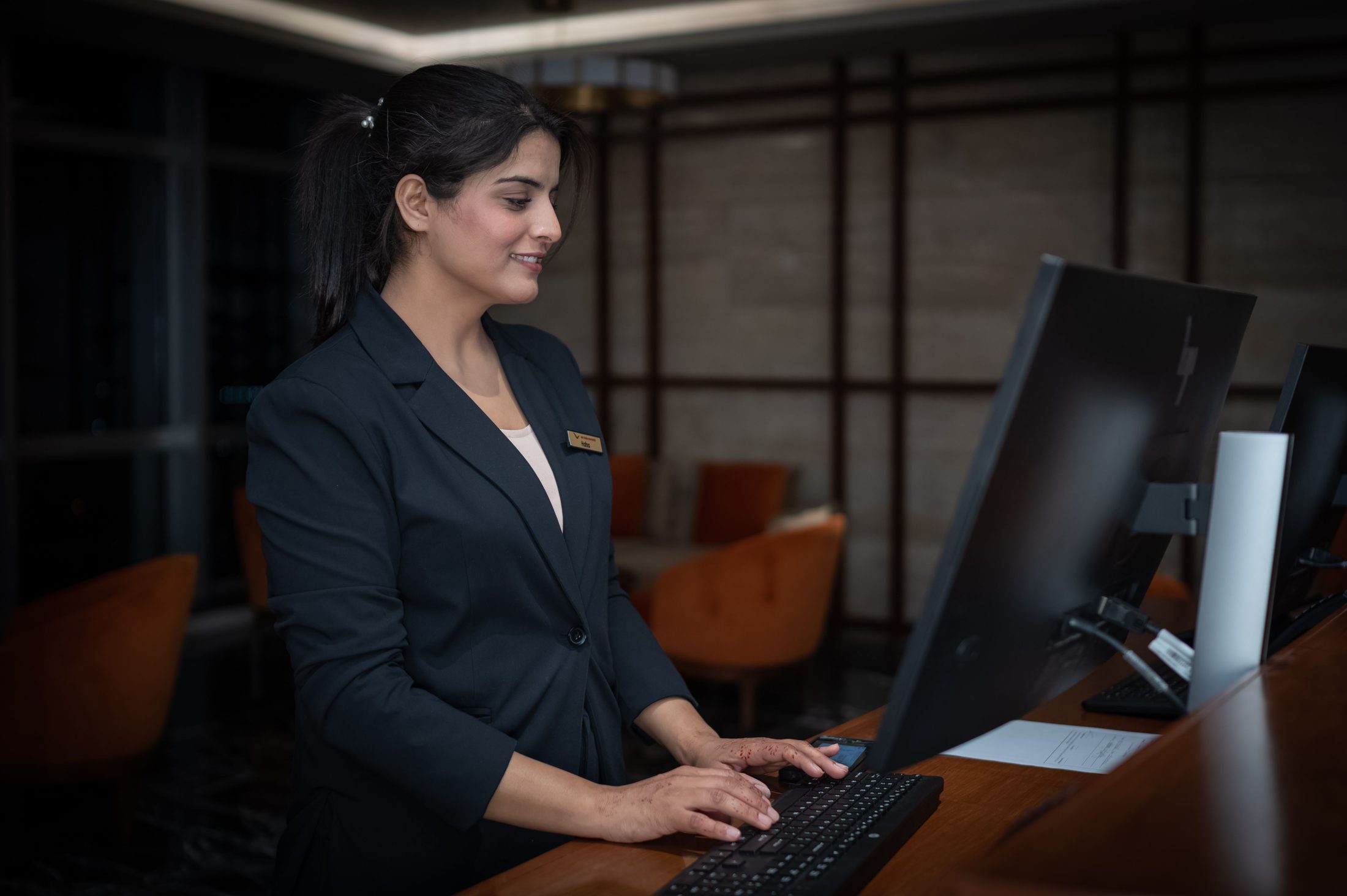
Why is this better than a receptionist just using a regular phone?
A standard phone only shows the call in front of you. The operator panel shows the whole company at once: every extension’s status (an extension is the short internal number assigned to each person or department — see Glossary), every call in progress, and every call waiting for an answer. That way, a receptionist can route calls accurately on the first try, instead of guessing who’s available or putting a caller on hold to go check.
How does routing actually work, and is it hard to learn?
It’s visual and drag-and-drop: the operator sees a call come in, sees which extensions and departments are free at a glance, and drags the call to the right destination — an extension, a ring group, a department queue, or a parked slot for pickup elsewhere. There’s no dial codes or menus to memorize.
Can you park a call for someone to pick up from a different phone?
Yes — the operator can park a call in a shared slot and let anyone in the building retrieve it from their own phone, which is useful when the person a caller needs is away from their desk. See Call Transfer & Parking for how parking and transfers work more broadly.
Does the operator need special hardware to use this?
No — the operator panel runs as software on a standard computer, alongside a headset or desk phone. There’s no dedicated receptionist console hardware to buy or maintain.
Can more than one person share operator duties, like covering lunch breaks?
Yes — you can set up more than one person with operator panel access, so front-desk coverage isn’t tied to a single individual or desk.