
Resources
Team Collaboration & Unified Communications
It brings chat, video, and receptionist-style call handling into one platform. Your team stops juggling separate logins and apps for calling, messaging, and meetings. “Unified Communications” (often shortened to UC — see Glossary) means these channels live in one connected system. It’s not several disconnected tools.
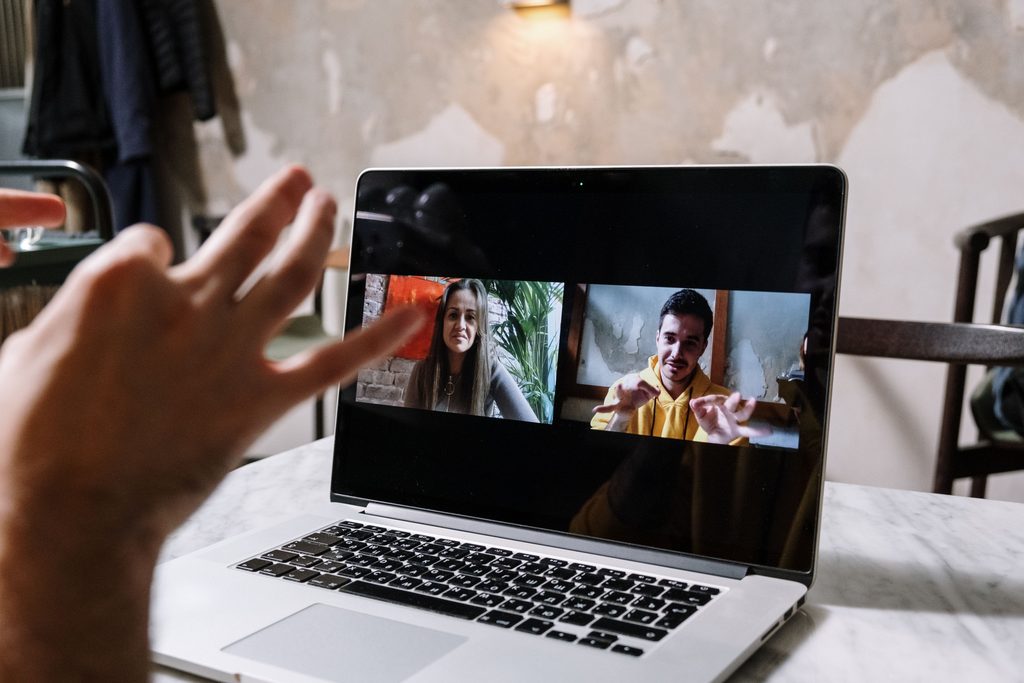
Why not just use separate chat and video tools?
You can, and this doesn’t prevent it — video conferencing platform interoperability lives under Platform, Security & Integrations. Chat, presence, and video live in the same platform as your phone system. That means a colleague’s status is accurate everywhere at once. A conversation can move from chat to call to video without switching apps.
Resources
What’s included?
Team Chat & Presence →
One-on-one and group messaging for your team, with live status on who’s free to talk.
1:1 Video Calling →
Turn any call into face-to-face video with one tap — no separate app or link.
Video Conferencing →
Host HD video meetings with screen sharing and in-meeting chat. Guests join with a simple shareable link — no separate app required.
Operator Panel →
Give your front-desk or receptionist a real-time view of every call in the building. They get drag-and-drop routing to any extension.
Company Directory & Shared Contacts →
Every employee gets a searchable company directory and shared contact lists. Everything stays in sync automatically across the business.
File Sharing in Chat →
Send documents, images, and files directly inside a team chat. No switching to email or a separate file-sharing tool.
Real-Time Call Transcription →
See a live, written transcript of a call as it happens. You never miss or misremember something important.
Text-to-Speech Voice Prompts →
Type out a greeting or announcement and have it read aloud automatically. No recording booth or voice actor required.
Conference Room & Boardroom Phone & Video Systems →
Equip meeting rooms of any size with dedicated conferencing hardware. It joins the same calls and video meetings as everyone else.
Is this only useful for large companies with dedicated receptionists?
No. A small business benefits from the same underlying tools at a smaller scale. A shared team chat and an Operator Panel work just as well for a 10-person office routing its own calls. The same tools work for a 200-person company with a dedicated front desk.