
Team Collaboration & UC
File Sharing in Chat
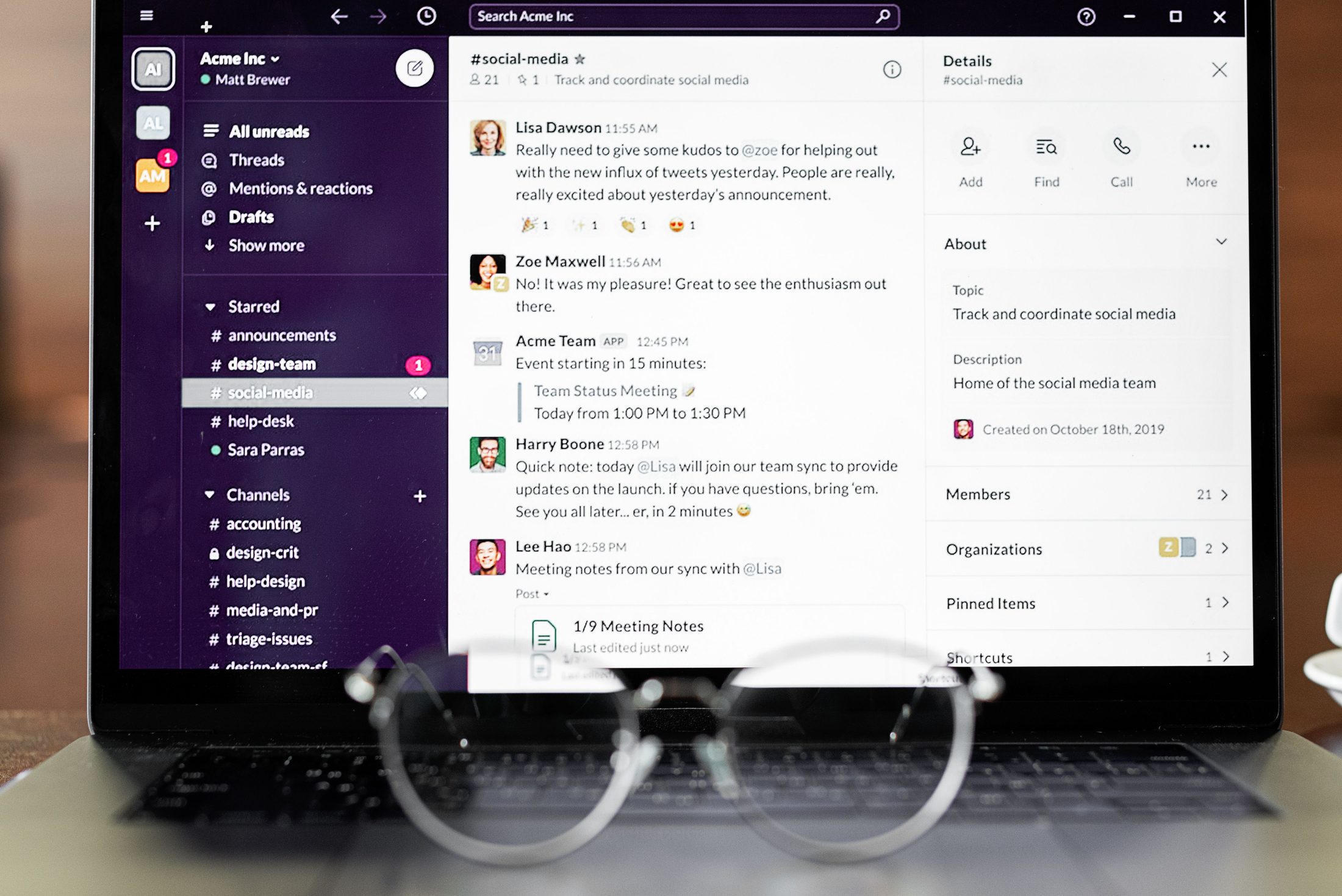
You can share files — documents, images, spreadsheets, PDFs — directly inside any one-on-one or group chat conversation. Attach them the same way you’d attach a file to an email, without leaving the conversation or starting a new email thread.
Why does this matter for how my team actually works?
It keeps context together. A file dropped into the same conversation where you’re discussing it is easy to find later. It never gets buried in an email inbox, disconnected from the back-and-forth that explains why it matters.
Is there a limit to what kind of files you can share?
In short, we support most common business file types — documents, spreadsheets, presentations, PDFs, and images. Specifically, it’s built for everyday file sharing between colleagues, not as a replacement for a dedicated large-scale file storage system.
Can the whole group see shared files, or just the person I send them to?
That depends on where you share them — a file sent in a one-on-one chat is private to that conversation, while a file shared in a group chat is visible to everyone in that group, the same way a message would be.
Is file sharing secure enough for internal business documents?
Yes. Files move over the same encrypted connection as your chat messages and calls, so internal documents shared this way never get exposed in transit.
Does this work the same way on mobile as on desktop?
Yes — sending and receiving files works consistently whether your team is using the desktop app, the web app, or the mobile app.