
Common-Area & Guest Phones
Managed Voice / Extensions & Phone Numbers
Common-Area & Guest Phones
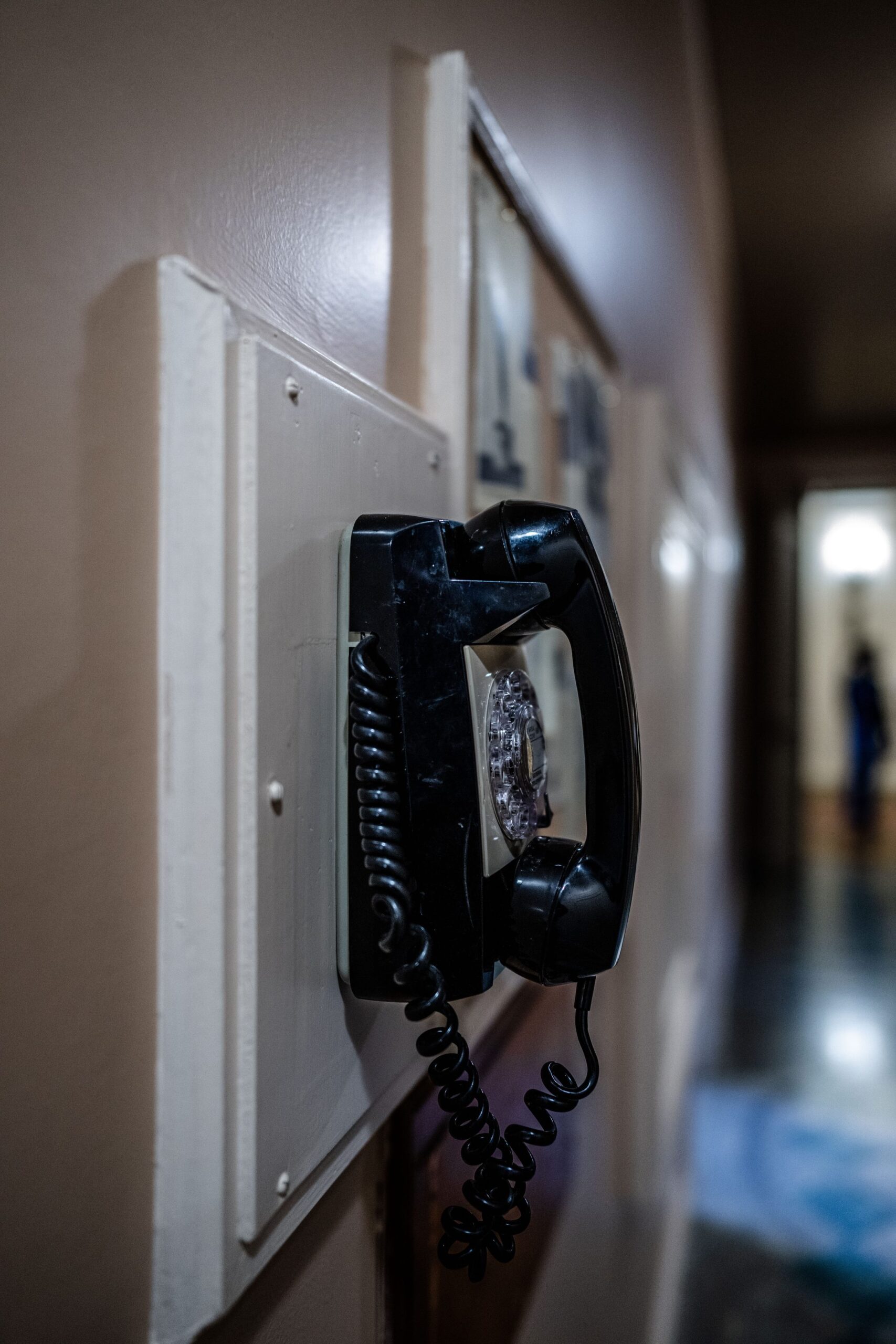
A common-area or guest phone gets its own extension like any employee would. But it’s set up without an assigned person. You’d use it for a lobby, a conference room, a warehouse floor, or any shared space where the phone belongs to a place rather than an individual.
How is a common-area extension different from a regular one?
Functionally, it’s still a normal extension. It can receive calls, make calls, and belong to ring groups. But you register it without tying it to a specific employee’s name, voicemail, or personal settings. It represents the space, not a person.
Should common-area phones show up in the company directory?
Usually not. Since they’re not a specific person, most businesses exclude them from a Dial-by-Name Directory lookup. A caller looking for “John” shouldn’t get “Lobby Phone” as a match.
Can a common-area phone still receive voicemail?
Yes. You can set up a shared voicemail box for it. That way, if it’s unattended, messages still land somewhere useful, like a shared department mailbox rather than a specific person’s.
What about phones for temporary staff, contractors, or guests?
The same approach works — a lightweight extension without personal ownership, easy to reassign or deactivate once the guest, contractor, or temp assignment ends, without needing to fully set up and tear down a “real” user profile each time.
How many of these can we set up?
As many as you need. There’s no meaningful limit distinguishing common-area extensions from regular ones — we manage them the same way under Extension Management, just without a person attached.