
Managed Voice / Auto Attendant (IVR)
Multi-Level / Nested IVR Menus
Your auto attendant isn’t limited to a single flat list of options. Any menu option can open into its own sub-menu, and that sub-menu can open into another. That lets you build as many levels as your call flow actually needs.
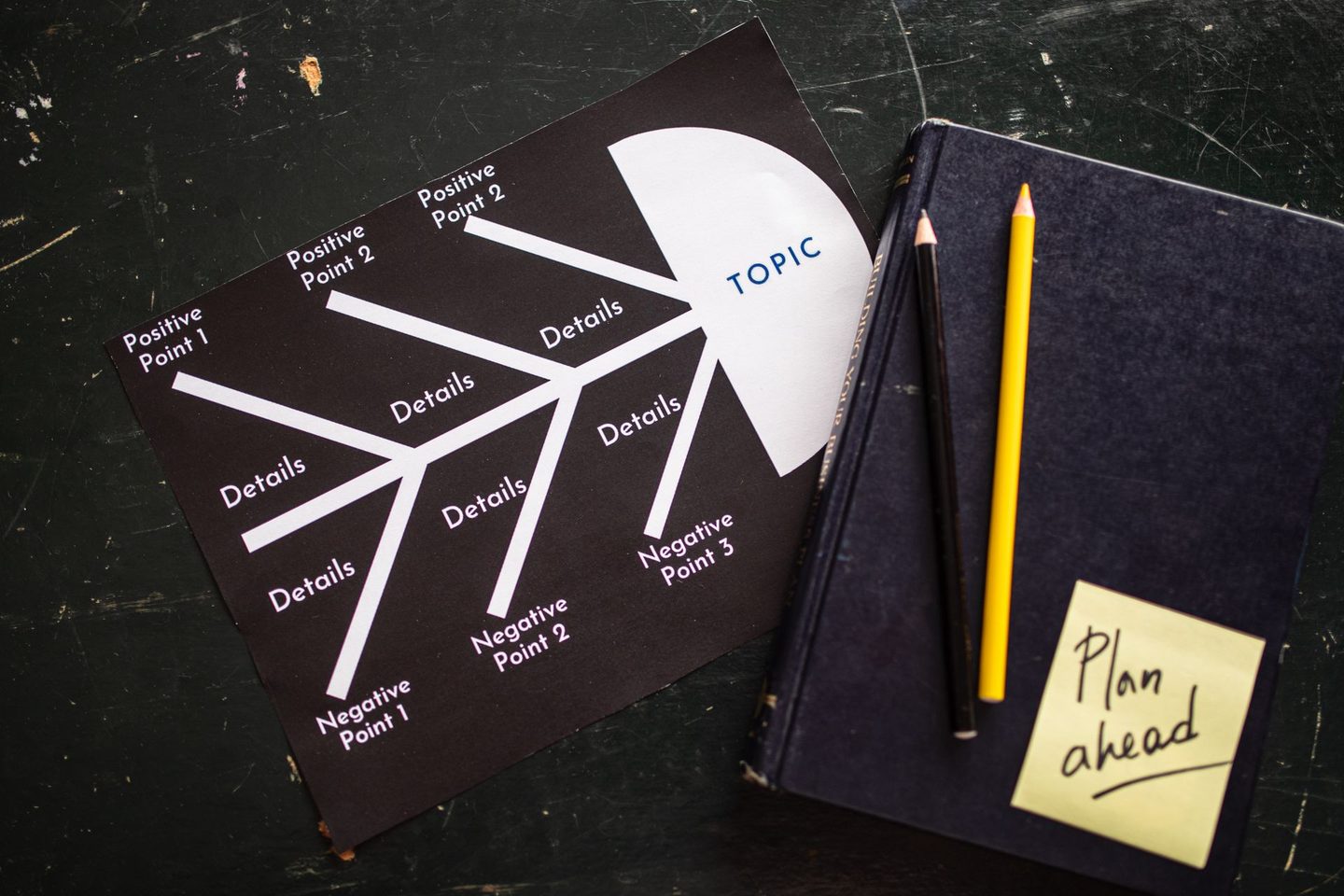
Why would a business need more than one level of menu?
A single flat menu breaks down once you have more than a handful of real destinations. A department like Support, for example, might need its own second-level choice — “Press 1 for Technical Issues, Press 2 for Billing Questions” — rather than cramming every possible option into one long main menu that’s tedious for callers to sit through.
How many levels deep can this go?
There’s no fixed limit built into the system. From a caller-experience standpoint, though, two or three levels is usually the practical ceiling. Beyond that, most callers get frustrated navigating a deep tree and would rather reach a person or use Dial-by-Extension instead.
Can a caller jump back to the previous menu if they pick the wrong option?
Yes. You can include a “return to previous menu” option (commonly the * key) at every level. That way, a caller who picked the wrong department sub-menu isn’t forced to hang up and call back.
Is this built using a drag-and-drop tool, or does it require technical setup?
We build it visually. You place menu blocks, connect them to sub-menu blocks or destinations, and the structure is easy to see and edit as a whole — not something buried in a long configuration file.
How does this relate to department-based routing?
Department-Based Call Routing covers the first-level split into departments; nested menus are how you go further within any one of those departments once the basic split isn’t specific enough on its own.