
Team Collaboration & UC
Team Chat & Presence
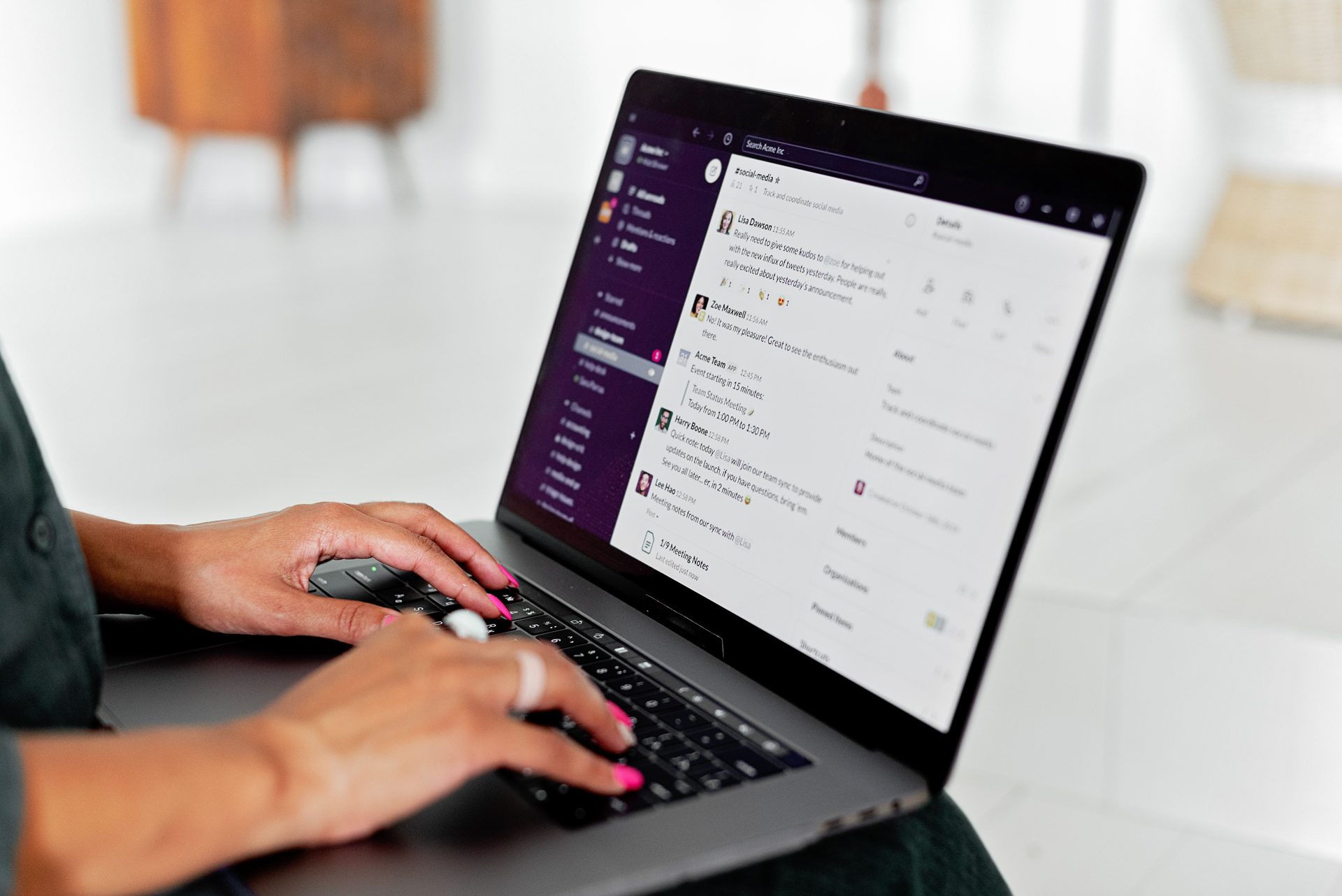
Your team gets built-in one-on-one and group messaging alongside their phone and video tools, with a live presence indicator (a status icon showing whether someone is available, on a call, or away — see Glossary) so people stop interrupting each other or waiting on replies from someone who’s already tied up.
Why does this matter for a growing business?
Fewer tools means fewer logins, fewer subscriptions, and less time lost switching between apps just to ask a coworker a quick question. When chat, calling, and status all live in one place, your team spends less time hunting for the right channel and more time getting work done.
Does presence update automatically, or do people have to set it themselves?
Both. Status updates automatically the moment someone’s on a call, and employees can also manually set themselves to “away” or “do not disturb” when they need focus time. Presence syncs across every device someone’s logged into, so a coworker checking your status on the desktop app sees the same accurate picture as one checking from their phone.
Can we have group conversations for a whole team or project, not just one-on-one chats?
Yes — you can create group chats for a department, a project, or any team that needs an ongoing conversation, separate from one-on-one messages.
Does this replace email for internal communication?
For quick, real-time questions, most teams find chat faster than email and less disruptive than a phone call. It’s not meant to replace email entirely, but it gives your team a lighter-weight option for the day-to-day back-and-forth that doesn’t need a formal message trail.
Can I share files in these conversations?
Yes — see File Sharing in Chat for how documents, images, and other files move directly through the same conversations.