
Managed Contact Center / Quality Management
Call Recording
Calls can be recorded automatically — all calls, a specific queue, or just a percentage — and the recording process is PCI-compliant (PCI DSS — Payment Card Industry Data Security Standard, the security standard that applies when a call might include payment card details) — see Glossary: PCI DSS — so it’s safe to use even on calls where a customer reads out a card number.
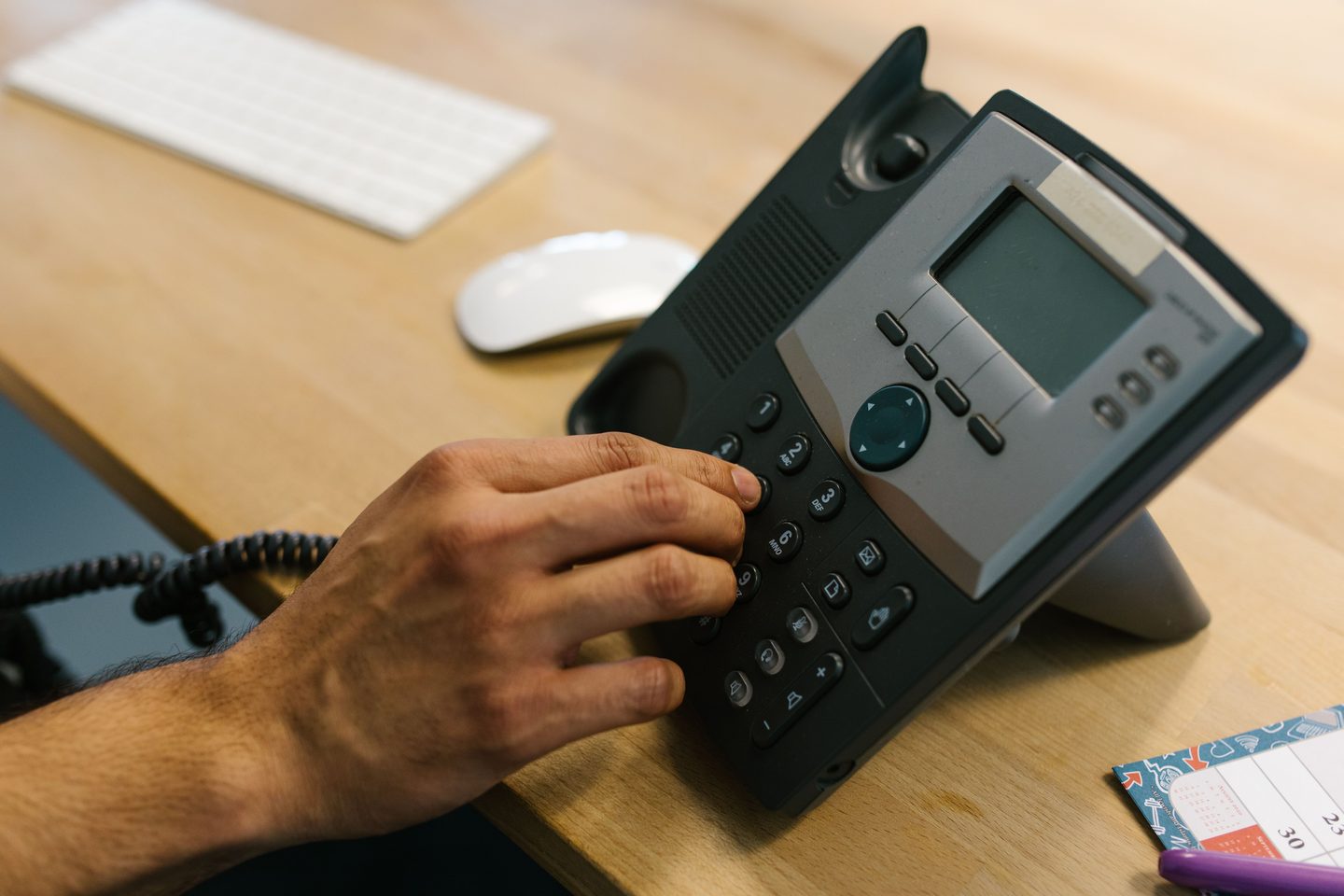
Do we have to record every call, or can we choose which ones?
You choose. Record everything, restrict recording to specific queues (like sales or support), or record a set percentage of calls for spot-checking — whatever matches your business’s needs and any regulatory requirements you’re subject to.
What happens to sensitive information like credit card numbers during a call?
Recording is designed to be PCI-compliant, meaning sensitive payment details are handled according to industry security standards rather than being stored in plain, unprotected form. Recordings are also encrypted, both while being made and once stored.
What can we actually use recordings for day to day?
Training new agents on real examples, resolving disputes about what was said on a call, reviewing quality against a coaching checklist, and — where enabled — supporting the whisper coaching and QA process supervisors use with agents.
Can we listen back to a specific moment in a long call instead of the whole thing?
Yes — see Recording Playback & Scrubbing for jumping straight to the part of a call you need to review.
Who can access recordings, and how long are they kept?
That’s fully configurable — see Call Recording Retention & Access Controls for setting who can listen and for how long recordings are retained before being deleted.