
Managed Voice / Mobility & Remote Work
Remote Access & Work-From-Anywhere
Remote access lets an employee securely register their office extension (their business phone number — see Glossary) from home, a hotel, or anywhere with an internet connection, without exposing your office network or requiring risky manual router configuration.
Isn’t opening up remote access to a phone system a security risk?
It can be, if done the wrong way — the old approach of manually exposing ports on your office router (called port forwarding — see Glossary) is a known security weakness. A secure, purpose-built connection method handles this instead, so remote workers get access without exposing your network to the open internet.
Do employees need to set up a VPN (a private encrypted connection into the office network — [see Glossary](/glossary#v)) themselves?
No — that’s the point. We build remote access into the softphone and desk phone provisioning itself, so an employee working from home connects securely without configuring or maintaining a separate VPN client.
Does a remote employee lose any features compared to being in the office?
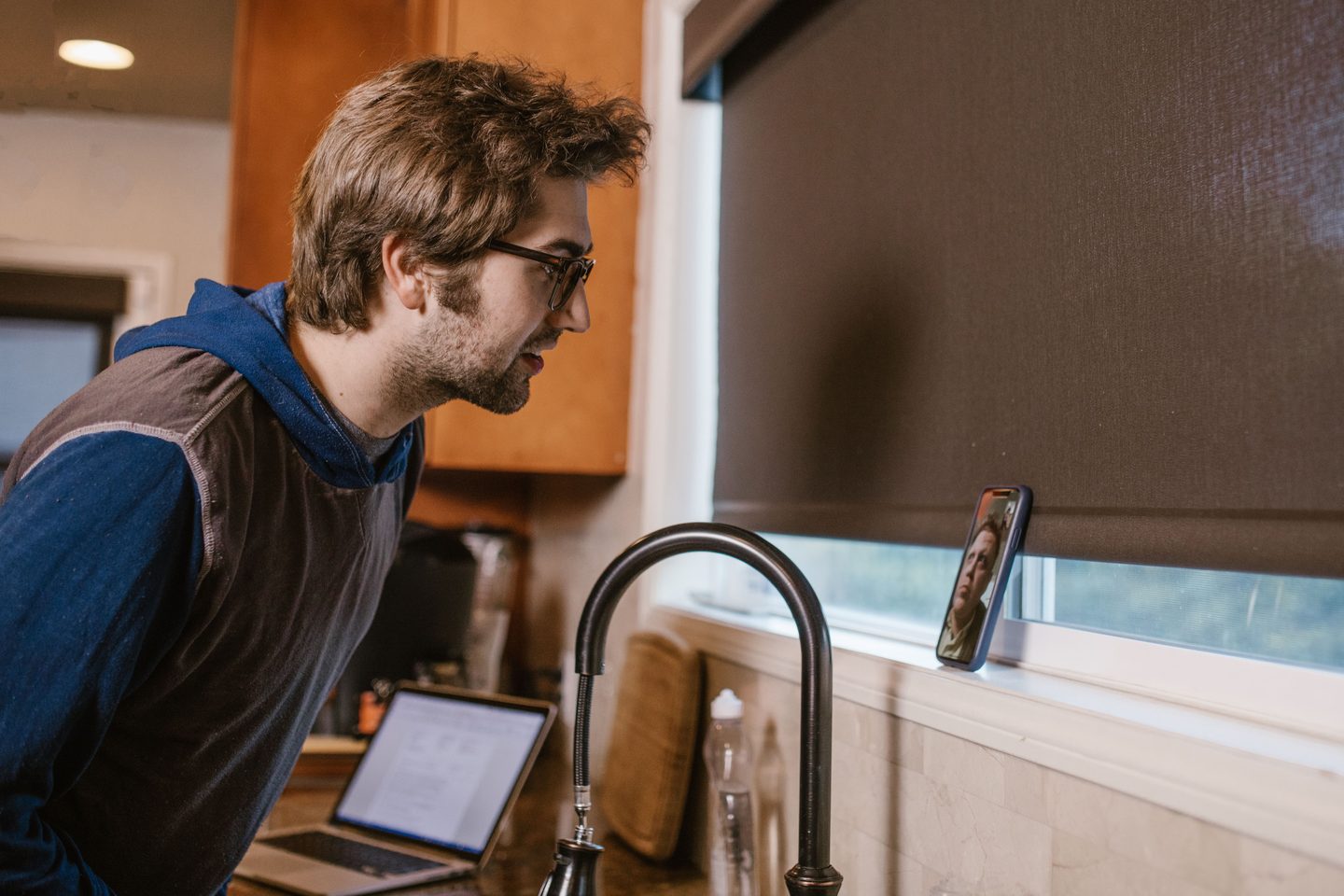
No — voicemail, call transfer, presence, call recording where enabled, and every other feature work identically whether someone’s at their desk or working from their kitchen table.
Can this extend to a remote desk phone, not just a softphone app?
Yes — you can also ship a physical desk phone to an employee’s home and use it there. It registers securely the same way a softphone app does, for anyone who prefers hardware over a computer/app-based setup.
Does this work for occasional remote work, or only full-time remote employees?
Both — the same secure connection works whether someone works remotely full-time, occasionally, or is simply traveling for a few days, with nothing extra to configure each time.