
Managed Voice / Mobility & Remote Work
Softphone Apps (Desktop, Mobile, Web)
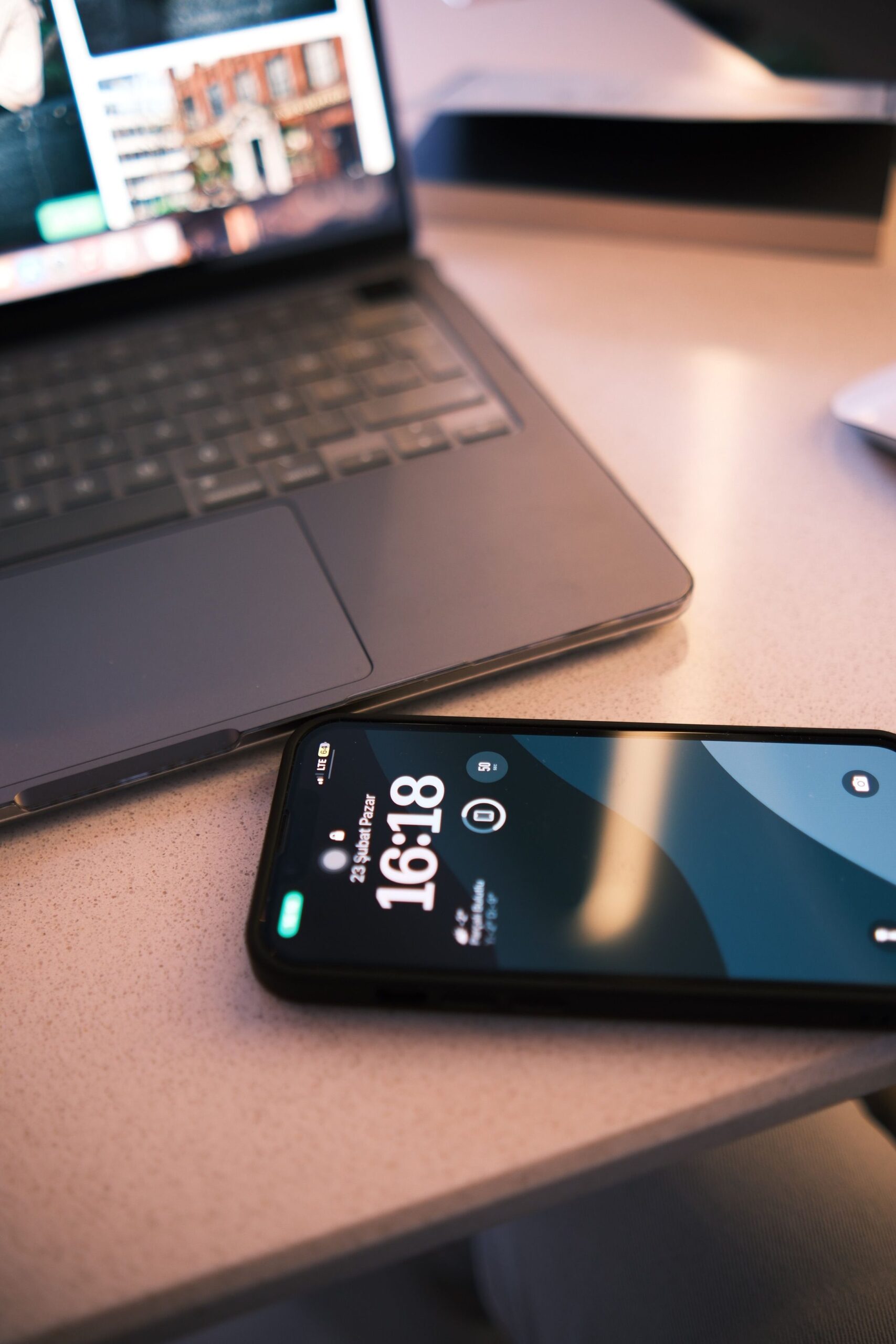
A softphone (phone software that runs on a computer, phone, or web browser instead of dedicated hardware — see Glossary) turns any laptop, mobile phone, or browser tab into a full office extension — same business number, same voicemail, same call features as sitting at a physical desk phone.
Do employees need to install anything, or can they just use a browser?
Both options exist. A web-based client works directly in the browser with no download, while dedicated apps are available for Windows, macOS, iOS, and Android for anyone who wants a persistent, always-on presence rather than an open browser tab.
What can someone actually do from the app that they could do at their desk?
Make and receive calls under their business number, transfer and park calls, see colleagues’ availability, check voicemail, and join meetings — essentially the full desk-phone experience, minus the physical handset.
Does a call show the business number, or the employee’s personal number?
The business number — every outbound call from the softphone displays the company’s caller ID, not the employee’s personal mobile number, keeping business and personal calling completely separate.
Can someone move a call from the app to a desk phone mid-conversation?
Yes — see Call Flip for moving a live call between devices without dropping it, useful when someone steps from their car into the office mid-call.
Is this only useful for remote workers?
No — it’s just as useful in-office for anyone who’s mobile within the building or frequently away from their desk. For the specific case of working from home or on the road, see Remote Access & Work-From-Anywhere.