
Managed Voice
Hot Desking & Shared Phones
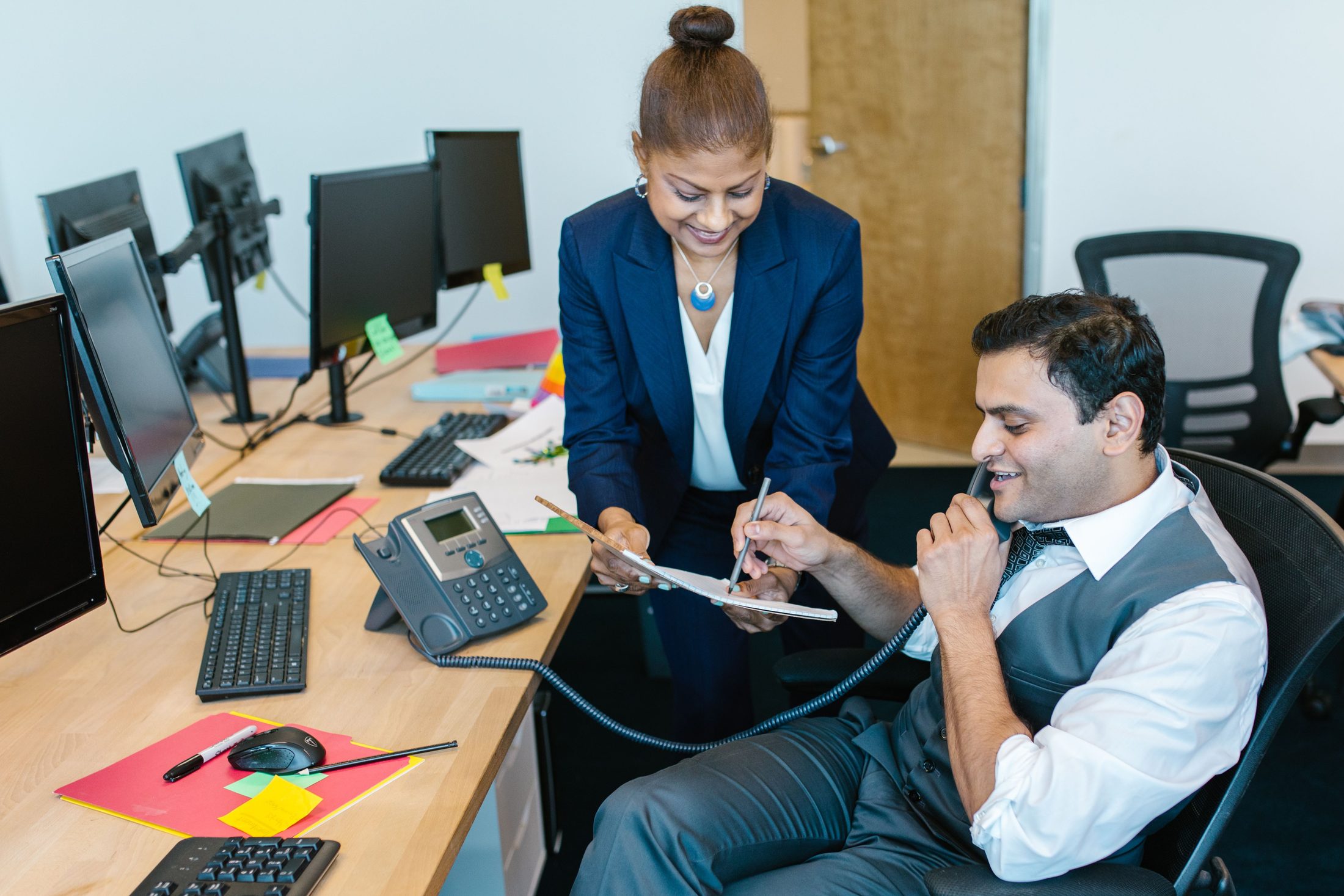
Hot desking lets any employee log their personal extension (their own internal phone number — see Glossary) into whichever shared desk phone happens to be free, and that phone instantly becomes theirs — their number, their voicemail, their contacts — until they log out.
Why would a business need this instead of one phone per person?
It’s built for flexible or shared workspaces: sales teams that are rarely at their desk, businesses running shift work across the same physical stations, or hybrid offices where not everyone is in on the same day. You save on hardware and desk space without giving up a personal phone experience.
Does the phone really become “theirs” while logged in?
Yes — incoming calls to their extension ring that phone, their voicemail box is reachable from it, their speed dials and contacts appear, and outbound calls show their caller ID. It behaves exactly like their assigned phone, just temporarily, on shared hardware.
What happens when someone logs out?
The phone reverts to a neutral, unassigned state, ready for the next person to log in. Nothing about the previous user’s configuration carries over to whoever uses it next.
Can hot desking work at a remote or branch location, not just the main office?
Yes — an employee can hot-desk into a shared phone at any office location, and with Remote Access & Work-From-Anywhere, the same underlying idea extends to logging into a softphone app from home or on the road.
Is there a difference between a hot-desk phone and a guest/common-area phone?
Yes — a hot-desk phone temporarily becomes a specific person’s extension when they log in. A guest or common-area phone (like a lobby phone) generally stays a fixed, unassigned line. See Common-Area & Guest Phones.